This is how I quickly turned a friend's bootless 2011 iMac into a capable Linux desktop system, completely for free (you might need to buy a new HDD/SSD).
A 2011 iMac can be picked up for peanuts, but still contains some capable hardware, great inbuilt speakers and a robust chassis. Almost all of this process will work for any Intel iMacs all the way up to the introduction of the M-chip in 2020 if you fancy something a little newer and more powerful. You won't be running AI models at lightning speed but more than capable for a media centre or general use.
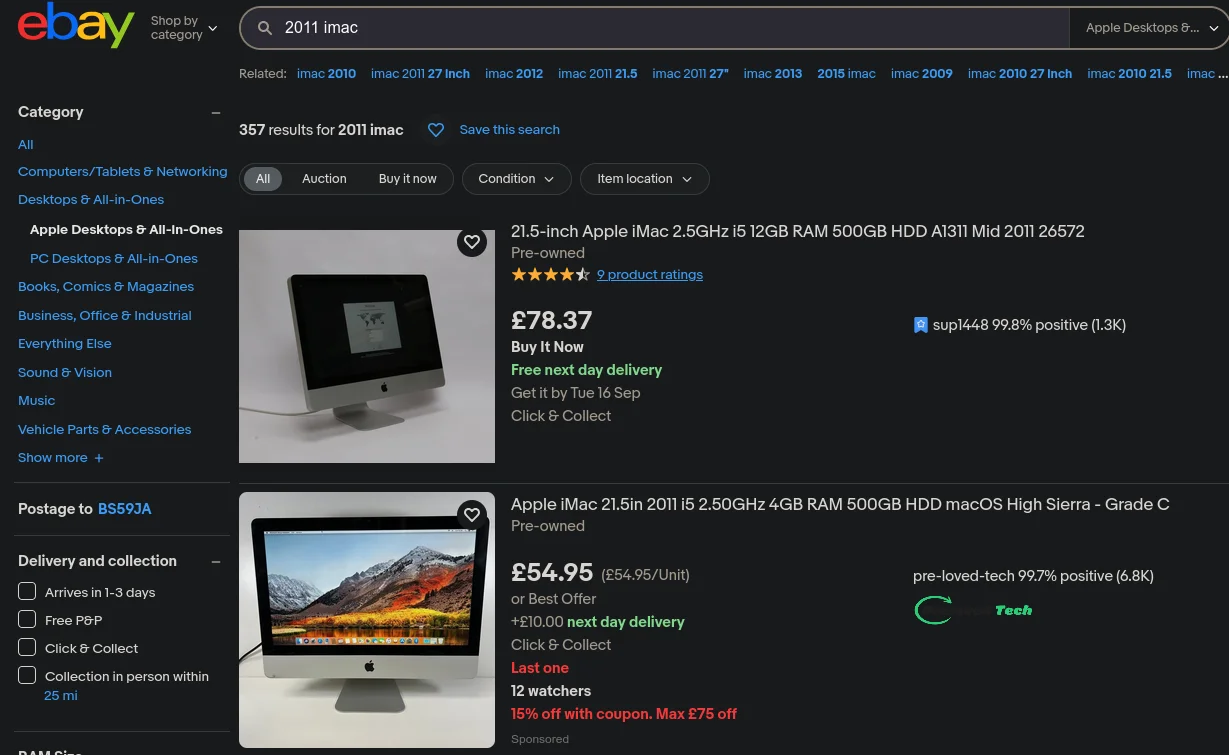
Or something a little more recent.
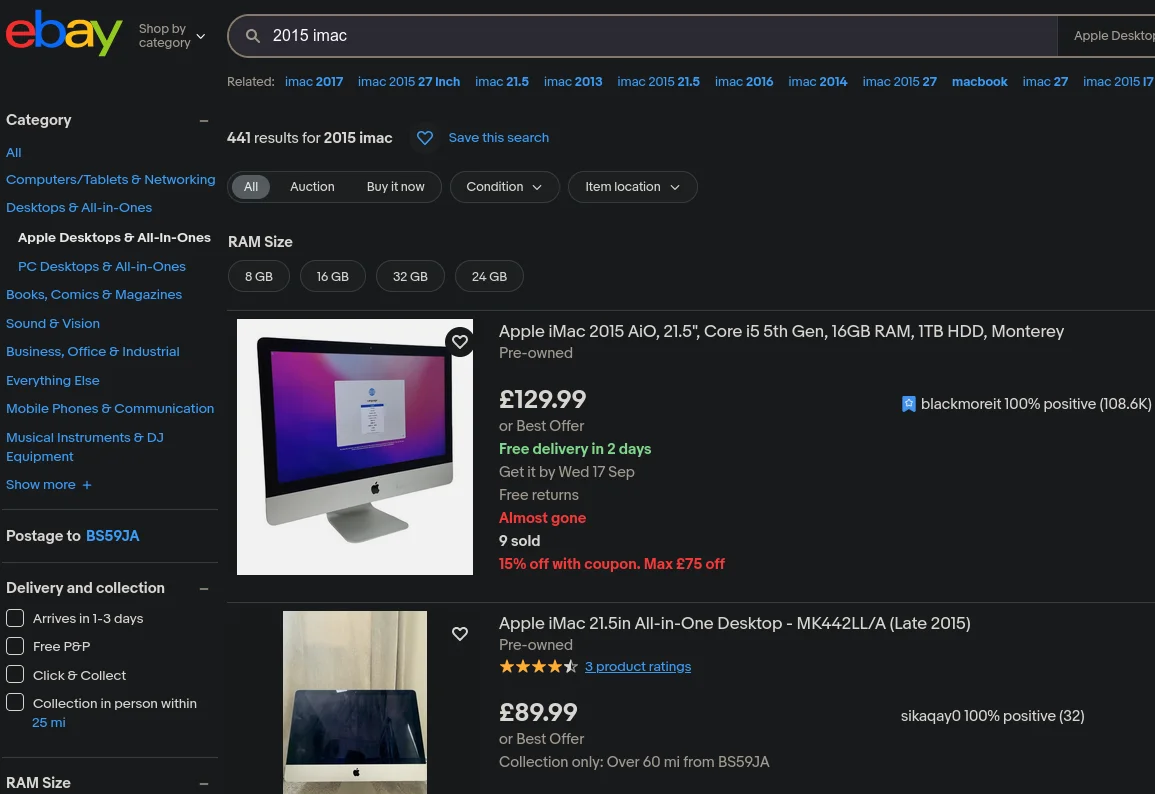
When I first got hold of the device and tried to boot it, it got endlessly stuck on this initial boot loading bar.
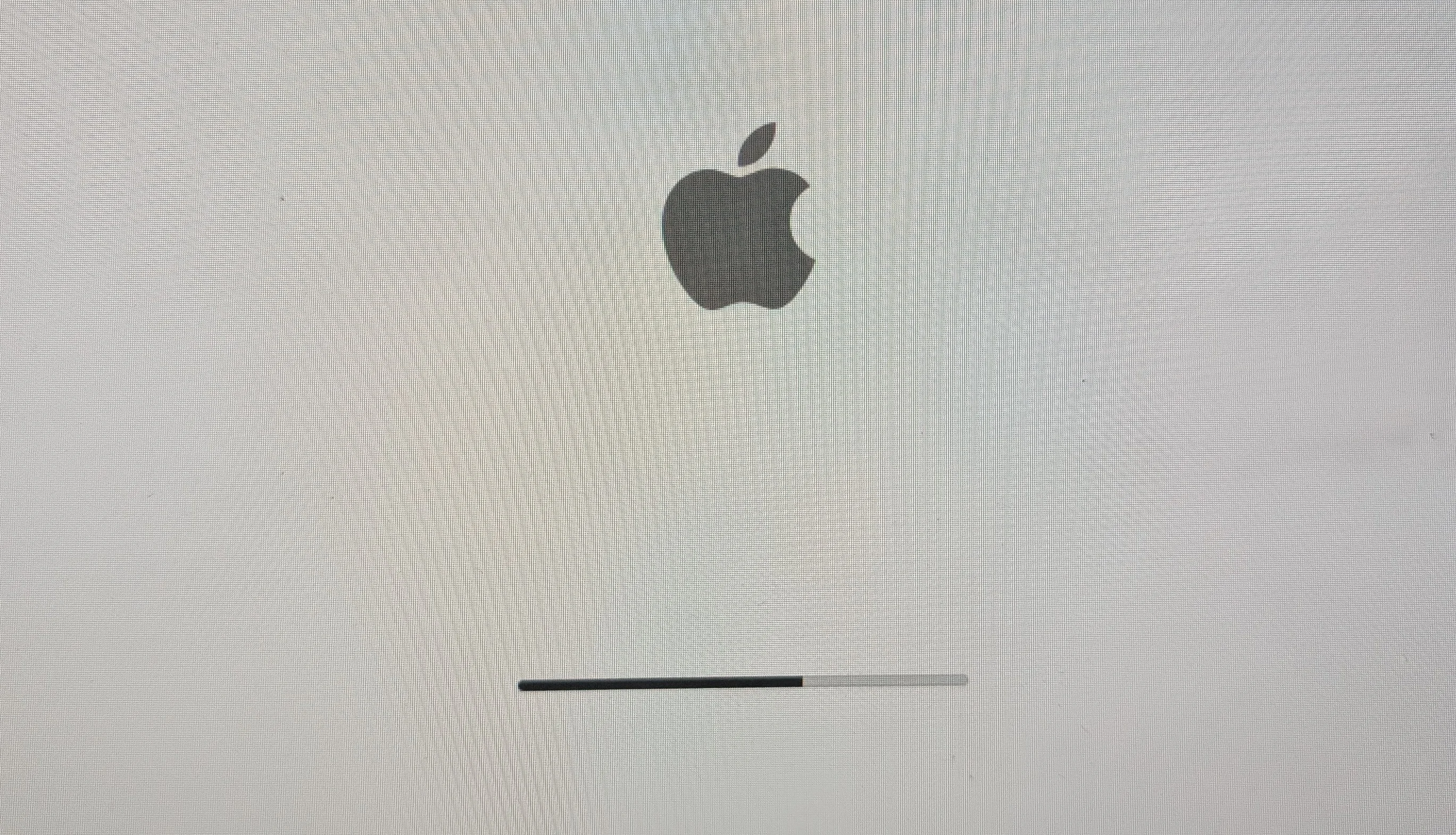
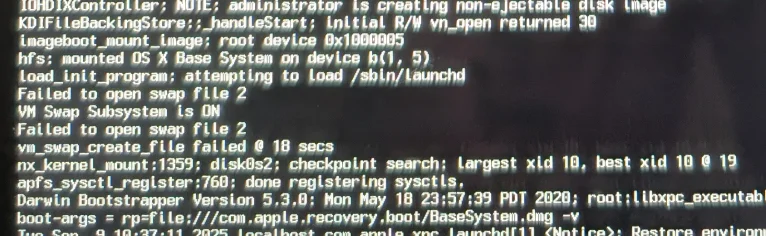
Armed with a Windows native keyboard and a little help converting the input keys from Mac to Windows from ChatGPT, I got started booting it in verbose mode.
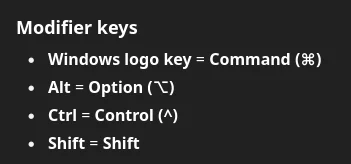
We can see from the output that we're getting references to failed swap open attempts, which with the knowledge of the 15 year old hard drive wasn't exactly surprising.
Now, at this point, in an ideal world what I would do is tell my friend they need to buy a new HDD/SSD, suction cups and a heat gun for the screen removal, and tools to bridge the connectors for the iMac HDD's inbuilt temperature sensor to stop the fans running at 100% for the rest of time. More information on that temp sensor if you like that kind of thing.
As many of you know, this isn't an ideal world. Instead I opted to boot into a live Ubuntu USB and hope that the issues on the drive were simply corruption of the OS and not hardware. (This definitely means that everything on this iMac need to be backed up in real time because the drive WILL fail at some point soon).
Installing macOS again really isn't an option at this point as security updates stop roughly 8 years after initial release, running a system that old on the open web is a huge risk for the device and other devices on the network. More information on support length can be found at endoflife.date
Initially when entering the boot menu by simply holding Alt while turning the device on we would see the recovery partition which didn't do much as it was seemingly completely corrupted.
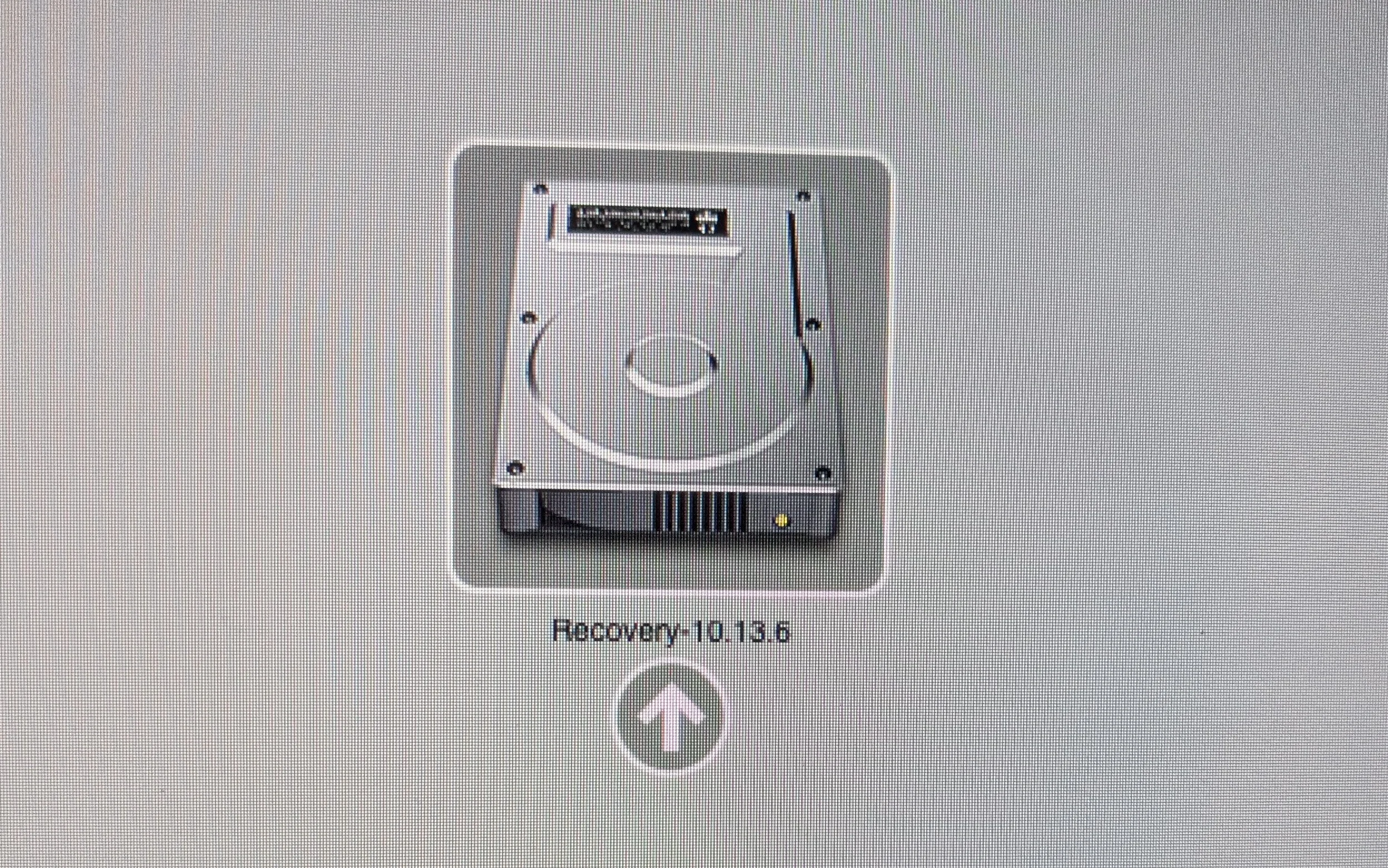
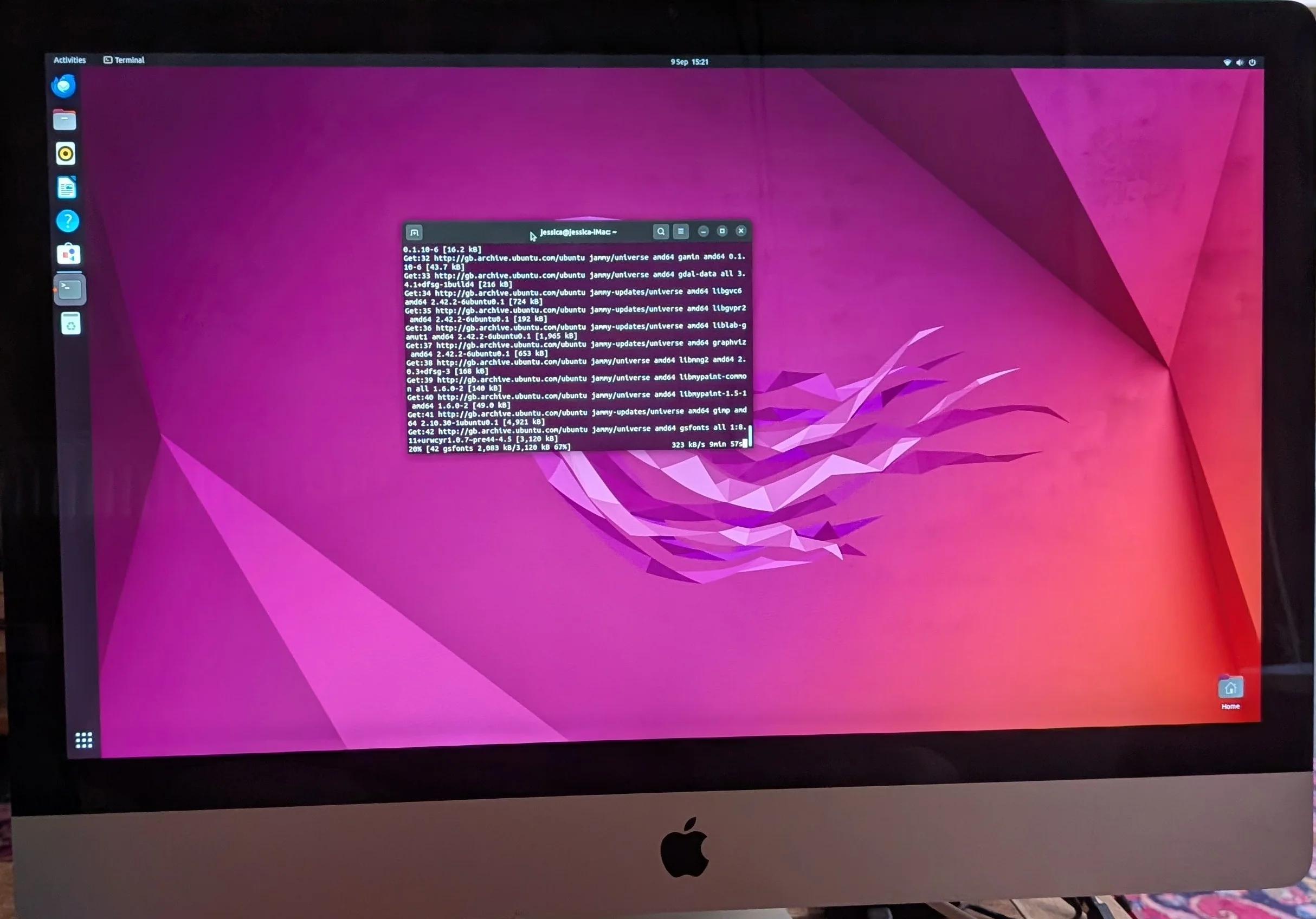
However, after burning our copy of Ubuntu to a USB we selected it from the menu and got a perfect Ubuntu boot! (I chose Ubuntu because I think it had the least steep learning curve for a macOS user)
Just for interest I did find I could boot straight from an external hard drive with a Windows install which may be an option for someone if they don't feel comfortable opening their iMac but the internal drive is totally busted.
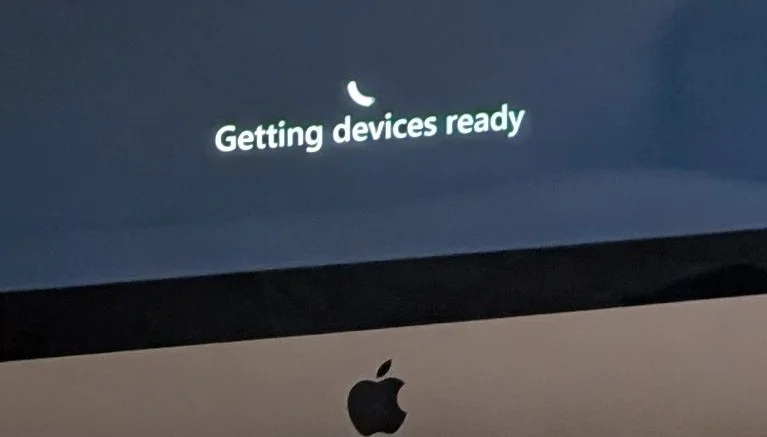
You would have to hold alt and select the device on each boot presumably (though if the internal drive has literally nothing on it it may just skip straight to it). I did try to run Elden Ring on the iMac just for fun, but got bored after ten minutes of watching the Elden Ring cursor. Lethal company ran though.
After returning to the Ubuntu live USB and running the installer on the internal hard drive, we had a system working flawlessly. (I even managed to install opensource freeware versions of proprietary Mac apps so we'll see if I make a convert!)
Thanks for reading and feel free to email me if you have some cool tech reuse stories, laters!
> End of output.